A paid newsletter is a subscription email publication: readers pay a recurring fee, monthly or annually, for content that never reaches your free list. Reuters Institute’s 2026 Digital News Report found that 21% of Americans and 29% of Canadians already pay individual creators directly, mostly through Substack.
Quick answer: pick a platform (Substack, Beehiiv, or WordPress with Leaky Paywall and Flowletter), decide what content stays free, connect Stripe for billing, set 3 price tiers (monthly, annual, and a founding-member option), then gate your premium sends behind the paywall. WordPress stores the subscriber list in your own database rather than a vendor’s.
Most guides to paid newsletters are written by the platforms selling you one. This one isn’t. Below is what determines whether your newsletter makes money, and who ends up owning the list you build.
How Does a Paid Newsletter Make Money?
Through recurring subscriptions, billed monthly or annually, on top of or instead of a free tier. Newsletter monetization splits into two models: pure paid, where every issue sits behind the wall, and freemium, where a free weekly send coexists with a paid deeper-dive edition.
Pricing varies widely by niche. Kit’s research puts the average cost of a paid newsletter at $11 per month or $100 per year. That average hides a real range:
- The Browser, a curated reading-list newsletter: $5/month or $48/year
- Stratechery, tech and business strategy analysis: $12/month or $120/year
- Off the Chain, a crypto-investor newsletter: $10/month or $100/year
- The information, a B2B publication read mostly on a company card: $399/year
The pattern: broad-appeal newsletters price near Kit’s $11 average. Specialist newsletters serving a professional or investor audience are priced 10 to 40 times higher because the content either saves the reader money or makes them money.
Whatever you charge for should be something your free tier doesn’t offer: deeper analysis, earlier access, or direct contact with you. “Premium content” on a pricing page tells a reader nothing. “One extra 2,000-word investigation a week, plus the full archive” tells them exactly what they’re buying.
A few formats cover most paid newsletters in practice:
- Exclusive analysis: the free tier gets a summary, paid readers get the full argument
- Early access: paying readers see an issue before it goes public
- An added members-only edition: stacked on top of the regular free send
- Direct access: a members’ comment thread or a live Q&A that free readers don’t get invited to.
Should You Use Substack, Beehiiv, or WordPress for a Paid Newsletter?
It depends on whether you want speed or ownership. All three can bill a subscriber and send an email. Only one keeps the subscriber data somewhere you control.
Substack takes 10% of every subscription transaction, on top of Stripe’s standard processing fee (2.9% + $0.30), plus 0.7% on recurring billing, per Substack’s own support documentation. Your subscriber list lives on Substack’s servers. Moving it out later means an export file and a re-import into whatever you pick next.
Beehiiv takes 0% of paid subscription revenue, a real advantage over Substack. But the feature only unlocks on Beehiiv’s Scale plan, which starts at $43/month and covers up to 100,.000 subscribers; a $96/month Max plan added extras like removing Beehiiv branding. You still pay Stripe’s processing fee on top of either.
Ghost charges no platform percentage either, starting around $18/month (billed annually) for 1,00 members, plus the same Stripe processing fee. Jetpack Growth, WordPress.com’s hosted option, charges a 2% transaction fee, well under Substack’s 10% but still a cut you’d keep by running your own Stripe account directly.
A paid newsletter on WordPress bills through your own Stripe account. You pay Stripe’s processing fee and nothing else. The subscriber record sits in your WordPress database: exportable, segmentable by any criteria you choose, and yours if you ever switch email tools or hosts.
Pick a hosted platform if you’re testing an idea with no existing site or audience. Pick WordPress if you already publish there and don’t want your subscriber list held inside a vendor’s export button.
How Do You Set Up a Paid Newsletter on WordPress?
Four steps: pick your subscription plugin, connect Stripe, split your content, then set up newsletter sending with automatic access control.
- Install a subscription plugin. Leaky Paywall handles billing, access rules, and subscriber status all inside your WordPress database.
- Connect Stripe. Stripe is the payment processor underneath your subscriptions. Neither Leaky Paywall nor your newsletter tool stores card numbers directly. This is also where your monthly, annual, and founding-member prices get created as actual billing products.
- Run two newsletters, not one. Keep a free edition as your sales tool and a paid edition as pure value. Blending the two into one undifferentiated send costs you the free edition’s sales pitch and the paid edition’s value at the same time.
- Set up newsletter sending with auto-login and segmentation. This is the step most WordPress publishers get wrong. Forcing a subscriber to log in again after clicking a newsletter link is friction you don’t need, and sorting free, paid, and cancelled readers into the right lists by hand doesn’t scale past a few hundred subscribers.
Flowletter is built for exactly this: it sends newsletters straight from WordPress and logs subscribers in automatically at their correct access level. Free, paid, and cancelled lists update on their own as a subscriber’s status changes.
How Much Should You Charge for a Paid Newsletter?
Somewhere between $5 and $50 a month, depending on how niche and how professional your audience is. General-interest newsletters cluster near Kit’s $11/month average, in the $5 to $15 range. B2B, finance, and trade newsletters, where a subscription is often a business expense for the reader, routinely charge $40 or more a month.
Three pricing rules hold regardless of your niche.
Never discount below cost. A 99-cent trial nets you roughly 30 cents after processing fees and teaches readers your content is worth next to nothing.
Price annual at a 15-20% discount against your monthly rate, and lead with the annual option on your public pricing page. One publisher who switched to an annual-only public page moved an extra €3,00 in 3.5 weeks, simply by removing the monthly default.
Cap your visible menu at 3 tiers. A donation option or a “super supporter” upgrade works as a 4th card, offered separately, not folded into the main pricing table where it added decision fatigue instead of revenue. Gift subscriptions deserve the same separate treatment: the print-industry benchmark is gifts making up around 20% of a healthy paid base.
Once your list is warm, ask directly instead of waiting for readers to upgrade themselves. One local publisher emailed subscribers a plain question: would you upgrade from $10 to $20 as a “super supporter”? Over 100 said yes out of roughly 1,200-1,599 emails sent, adding more than $1,000 in monthly recurring revenue with almost no resistance.
Should Your Newsletter Start Free or Paid?
Free first, then paid. Treat your newsletter as the product, not a marketing channel for the product. A registration wall requires an email before the content continues. A newsletter popup only asks, and readers close it without a second thought: popups convert 0.9-1% of visitors versus 3.2-6.7% for a registration wall, a 2 to 7 times difference for the same traffic.
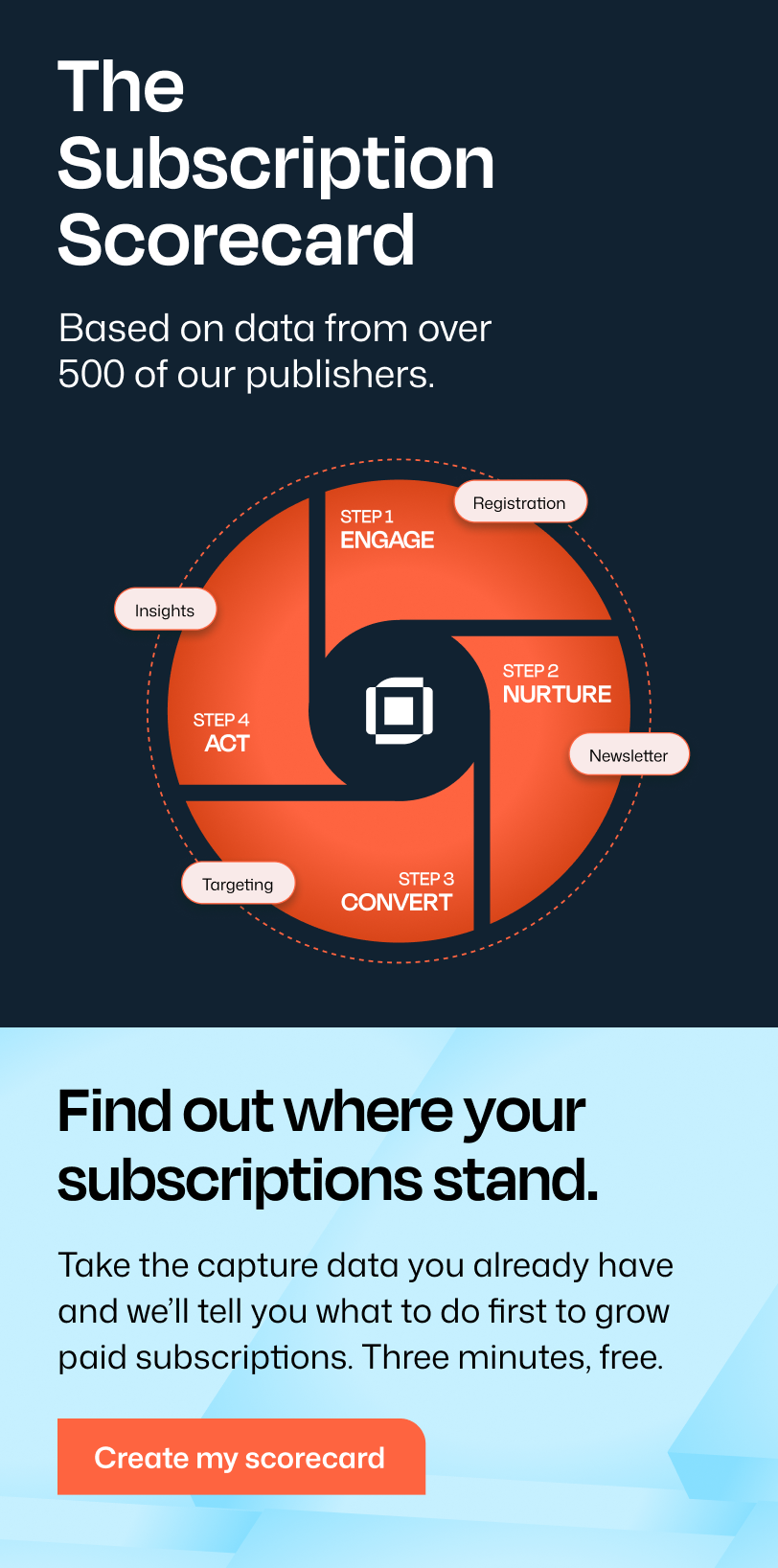
Readers who register with an email before you ever ask for money convert to paying subscribers 3 to 5 times better than readers hit with a cold payment request. This is the loop Leaky Paywall calls the Publisher Flywheel™: free content earns trust, a registration wall requires the email, and the free newsletter nurtures the reader over time. The paid pitch comes last, usually near the bottom of the send where your most engaged readers scroll to.
Salem Reporter, an Oregon local newsroom, tested this directly. A registration wall captured 16 times more email signups than a newsletter signup form alone, in a 30-day head-to-head test. Over 20% of those registered readers went on to convert to paid, against under 1% for a cold paywall with no registration step first.
Your welcome email gets roughly a 70% open rate, the highest of any email you’ll send, so a soft one-line mention of your paid tier belongs there. After the welcome email, slow your cadence down. A niche-hobby newsletter often needs just that single welcome send to convert well; a local news newsletter typically needs 4 to 6 emails, introducing the team and highlighting wins, before readers are ready to pay.
How Should You Split Your Free and Paid Newsletters?
Run them as two separate editions, not one newsletter with a few paragraphs hidden. The free edition is a sales tool: it earns trust and teases what the paid edition covers, which drives registrations. The paid edition is pure value, with no upsell inside it.
As a general rule, differentiate the paid edition along one of two lines: speed or completeness. Paid subscribers get the issue first, sometimes a day or more ahead of the free version, or they get the full text while free readers get an excerpt. Trying to do both usually means neither is distinct enough to justify the price.
Send on a schedule that matches your content type. News newsletters hold up best sent daily; magazines and niche publications work at 2x weekly, as long as that’s a genuine floor, not a target you slip below.
Give free and paid subscribers different welcome emails. Your free welcome email nurtures the registrant toward the paid tier. Your paid welcome email shouldn’t sell anything. The reader already bought, and a pitch there just makes them second-guess their purchase.
A few publishers flip the usual order entirely: write the paid edition first, turn it into a paywalled article, then send the free edition afterward pointing back to it. That only works once the paid edition is genuinely your main product, not an add-on to the free one.
Get the segmentation wrong, and it costs real money. A subscriber whose card fails or plan lapses but who keeps receiving the paid edition is a direct revenue leak, and it’s confusing to readers who thought they’d cancelled. Flowletter’s automatic free/paid/cancelled sorting prevents this.
What Keeps Subscribers from Cancelling?
Newsletter engagement, more than any other single factor. Subscribers who regularly open your newsletter are roughly twice as likely to still be subscribed 12 months later than subscribers who don’t. Track opens at the subscriber level, not just the list level: a paid subscriber who’s stopped opening is telling you they’re about to cancel, weeks before it happens, and there’s still time to win them back with a personal note or a content change. Lekay Paywall’s Insights reporting flags these disengaged paid subscribers automatically, instead of leaving you to dig through open-rate exports by hand.
Send on a fixed, predictable schedule. Daily senders convert readers to paid at up to 4 times the rate of weekly senders, because frequency itself signals the subscription is worth renewing.
Looking to grow your publication?
Sign up for expert advice straight to your inbox.Watch payment failures as closely as engagement. Involuntary churn, subscribers lost to an expired or declined card rather than a real cancellation, accounts for 20-40% of all churn. Billing directly through Stripe, with dunning emails that retry and recover failed payments automatically, closes most of that gap before it ever shows up as a lost subscriber.
Keep your free teaser honest but incomplete. A teaser that fully answers its own subject line trains readers to skip the click-through, and every skipped click is a paywall impression you never got.
Resurface your archive. Older paid issues, sent again to newer subscribers, often outperform a fresh send because recent subscribers haven’t read them yet and they prove the backlog is worth the price.
Start Your Paid Newsletter Without Handing Over Your List
A paid newsletter works whether you run it as a stand-alone product or bolt it onto a site you already publish. The platform you pick decides who owns the subscriber relationship once the setup work is done: you, or the company you’re renting the list back from.
Promo Alert: Leaky Paywall runs this as two connected pieces. List Builder is a free WordPress plugin that puts up the registration wall and captures the email; it’s free to install. Flowletter is the newsletter layer described above, at $199/month. The subscriber record stays in your own WordPress database through both.
Start with List Builder if you don’t have a list yet. Add Flowletter and your pricing tiers once you’ve got enough registered readers to make a paid edition worth charging for.